
Settings and data
Privacy
What stays on your device, what analytics are sent if you allow them, and hiding hosts for screenshots.
What stays on your device
Machines, passwords, keys, snippets and host key pins stay on your device, encrypted. Nothing is uploaded to Termphin.
Analytics
Analytics are off until you allow them. The last onboarding page asks Share usage analytics? You can change this at any time.
If you allow analytics, Termphin sends named events (which screens you open, which settings you change, whether a connection succeeded or why it failed) and crash reports. It never sends what you type, what is on screen, hostnames, usernames or addresses. IP addresses are discarded.
-
Open Settings. Tap Settings in the bottom bar.
-
Find Analytics. Scroll to the Analytics section.
-
Toggle the switch. Switch Share usage analytics on or off.
Anonymize
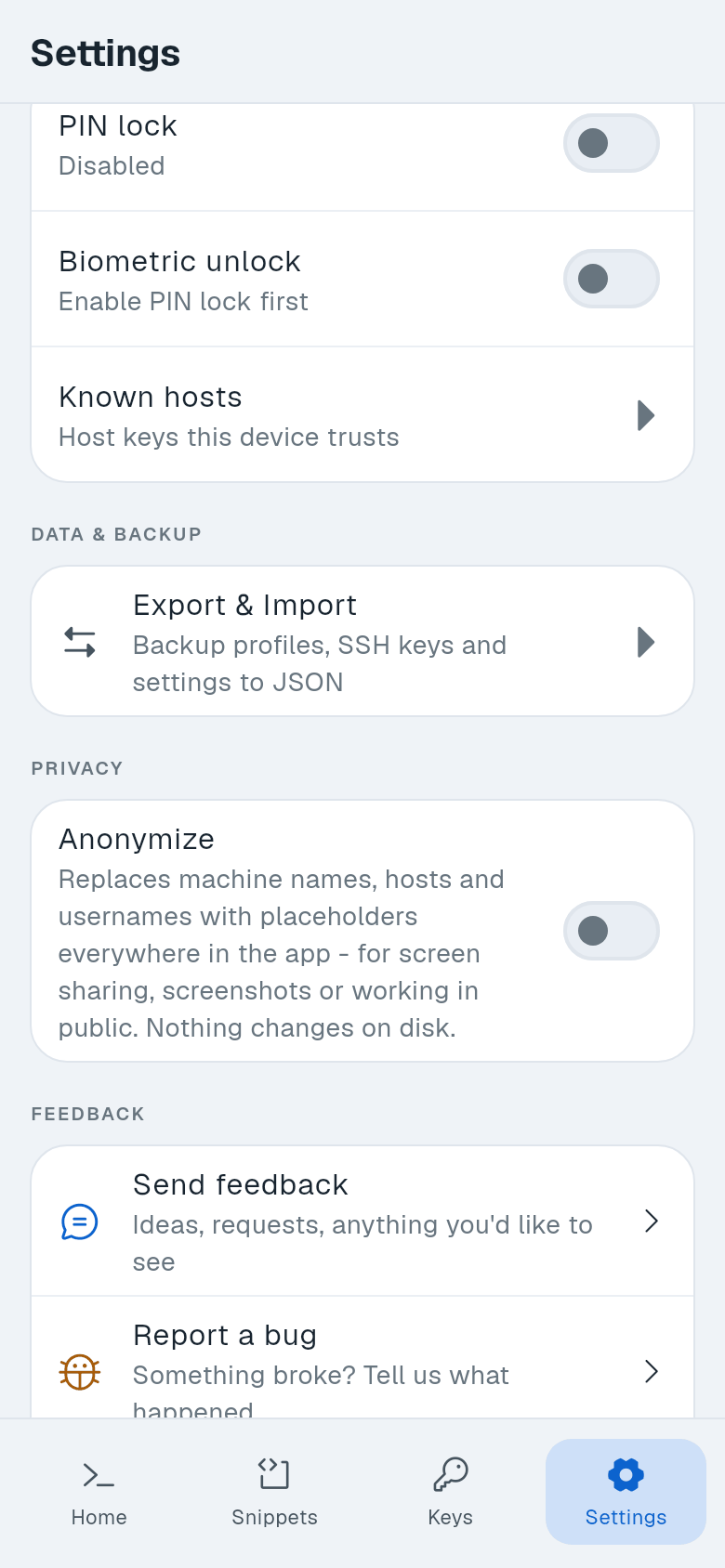
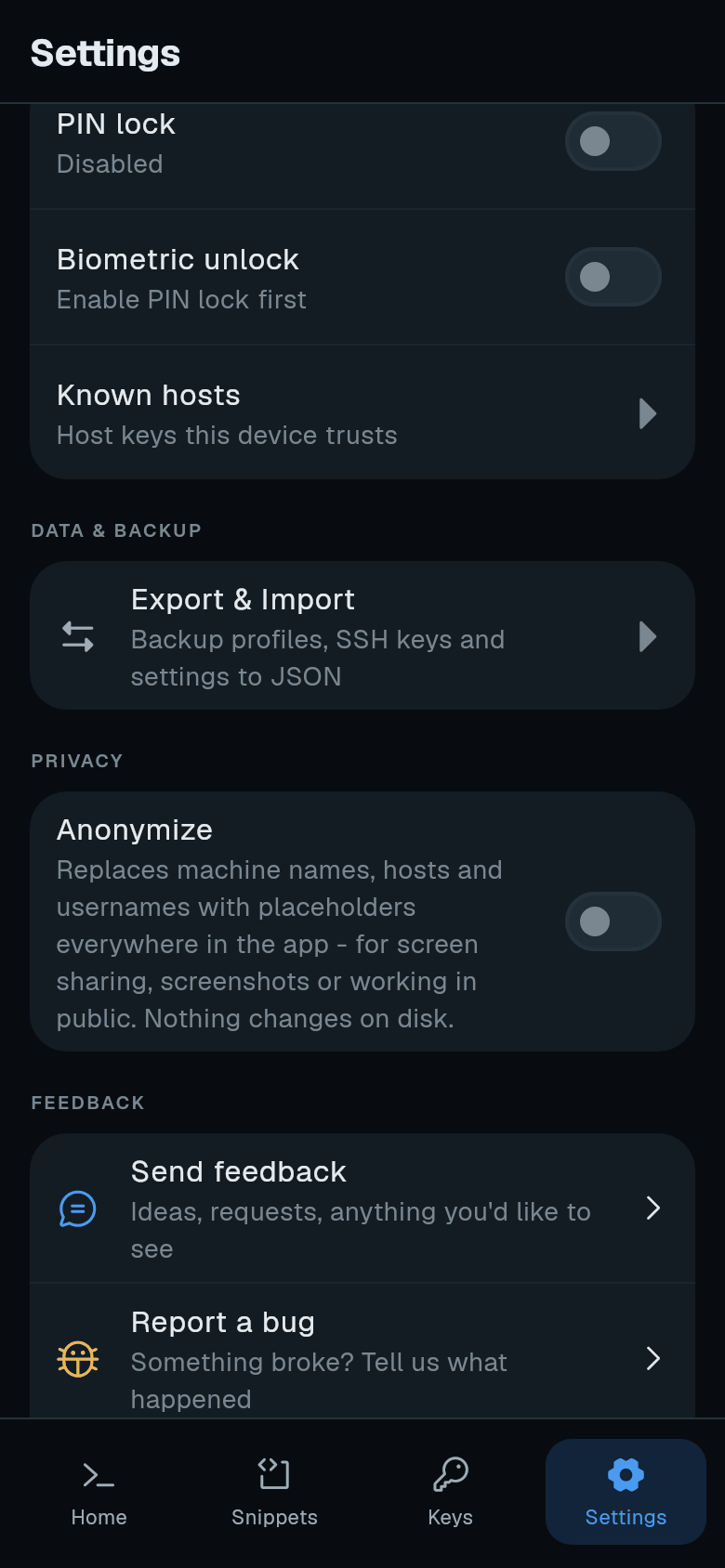
Anonymize replaces machine names, hosts and usernames with placeholders everywhere in the app. Use it for screen sharing, screenshots or working in public. Nothing changes on disk. Connections still go to the real host.
-
Open Settings. Tap Settings in the bottom bar.
-
Find Privacy. Scroll to the Privacy section.
-
Turn on Anonymize. Switch Anonymize on.
Privacy policy
Read the full privacy policy in Settings > About > Privacy policy, or at https://termphin.dev/privacy.