
Machines
Jump hosts
Reach a machine that is only reachable through another one - OpenSSH ProxyJump, with saved machines.
Configure a jump host
A jump host (bastion) is a machine you connect through to reach another machine that is not directly reachable, for example a server on a private network. The connection stays end-to-end encrypted - the jump host moves the bytes, it cannot read them.
Before you start
Save the bastion as a machine first. Follow the steps in Managing machines.
Set up the jump host
-
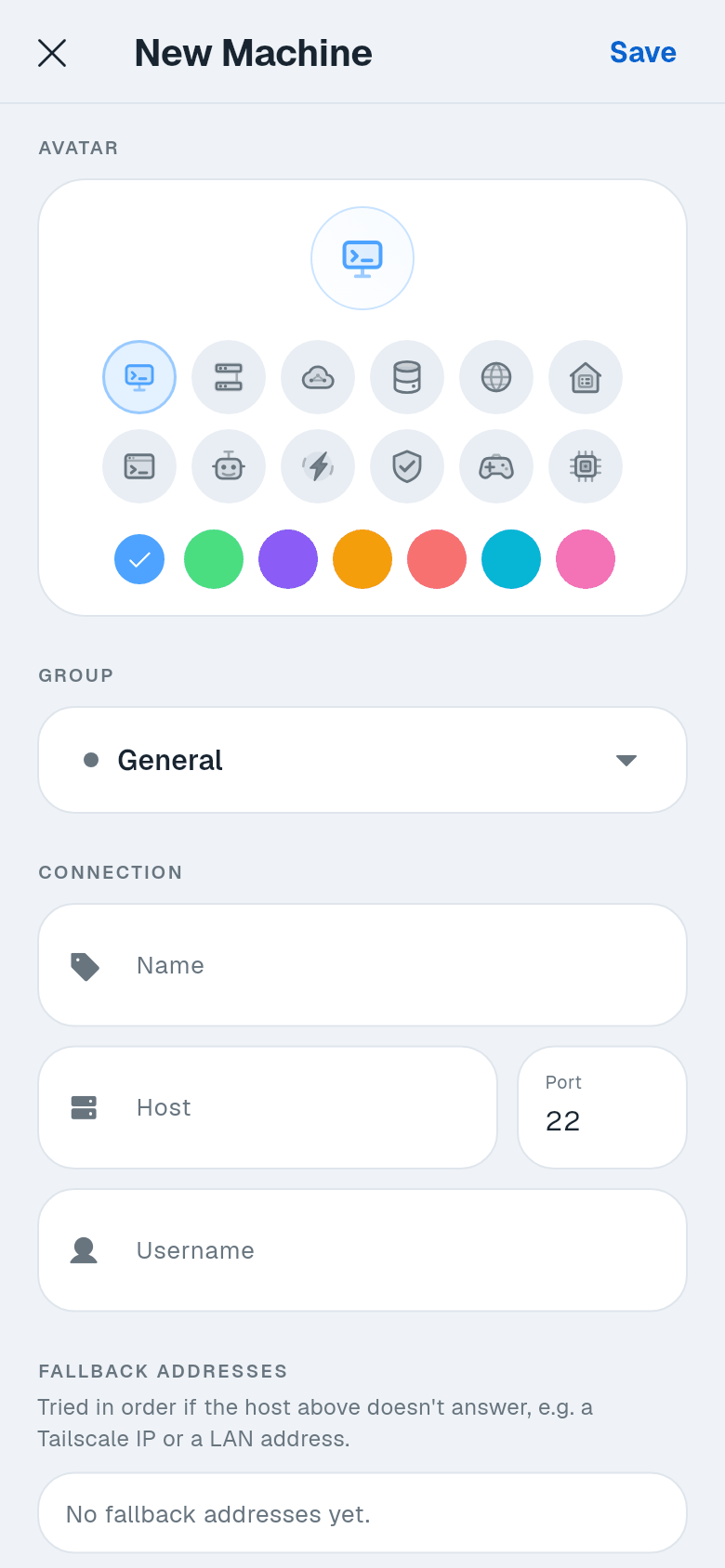
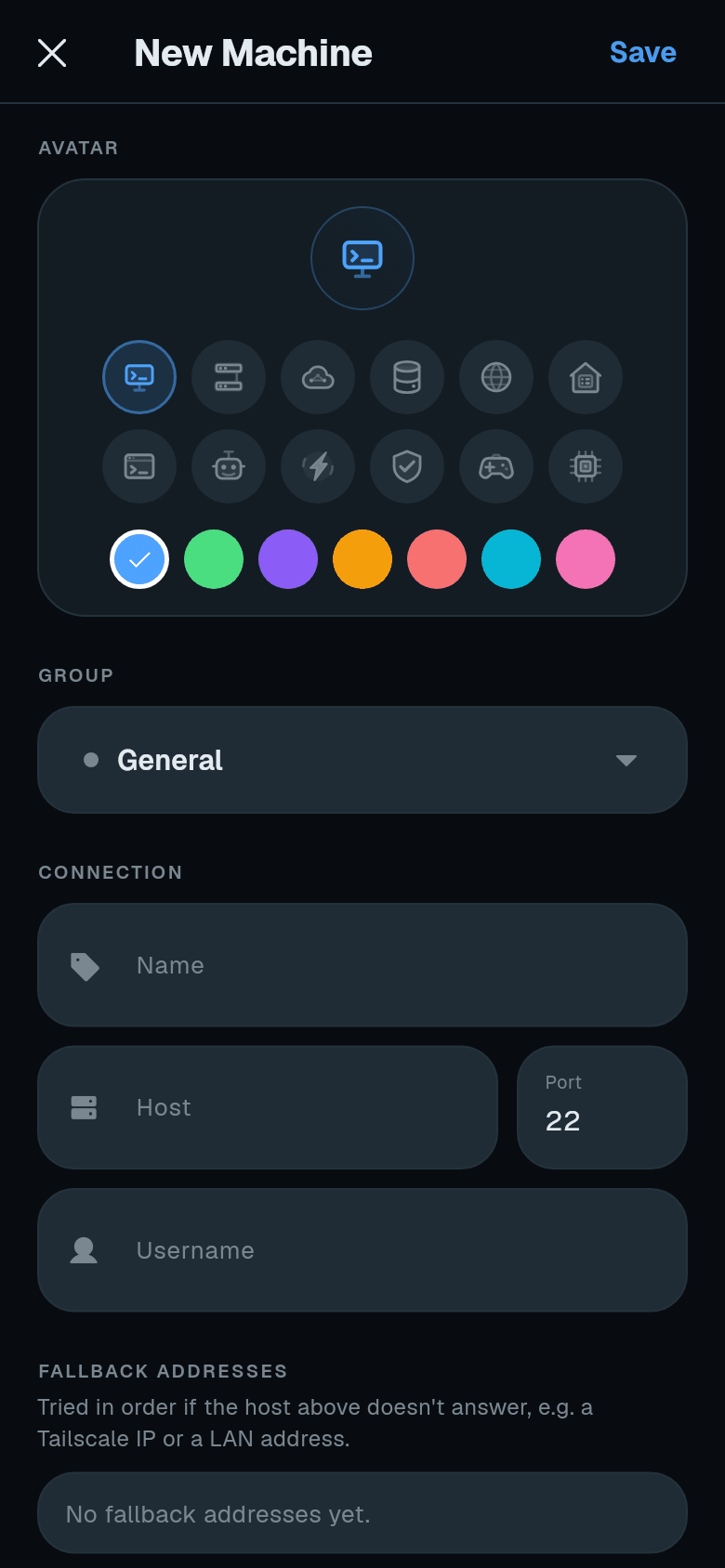
Edit the target machine. On Your machines, open the three-dot menu on the machine you want to reach and tap Edit.
-
Choose the jump host. Scroll to Jump host. Tap the current value, then select your bastion machine from the list.
-
Save the machine. Tap Save in the top bar.
-
Connect. Tap Test connection on the form, or tap the machine card. Termphin connects to the bastion first, then through it to the target.
How it works
Termphin checks both host keys - the bastion’s and the target’s. If either fails, the connection stops.
Fallback addresses on the target are all tried through the same bastion connection. The bastion’s own jump host is also used if set - chains work through multiple machines. A machine that would loop back to itself is not offered in the list.
This is the same as using OpenSSH’s -J flag:
ssh -J [email protected] [email protected]Troubleshooting
| Message | Cause |
|---|---|
| The jump host connection failed. | The bastion itself cannot be reached. Check the bastion machine’s settings. |
| This profile’s jump host is not set up right. | Check that the chosen jump host still exists and connects on its own. |
| No other profile can be used here yet. | No machines exist that could act as a jump host for this machine. |