
Machines
Two-factor sign-in
What happens when a server asks for a one-time code or another answer while you sign in.
Some servers ask questions while you sign in. This is called keyboard-interactive authentication. The question can be a one-time code from an authenticator app, an expired password you need to change, or a PAM prompt. Nothing needs to be set up in Termphin. It works with password or key sign-in plus a code.
Answer a server question
-
Connect to your server with a password or a key, as in Your first connection.
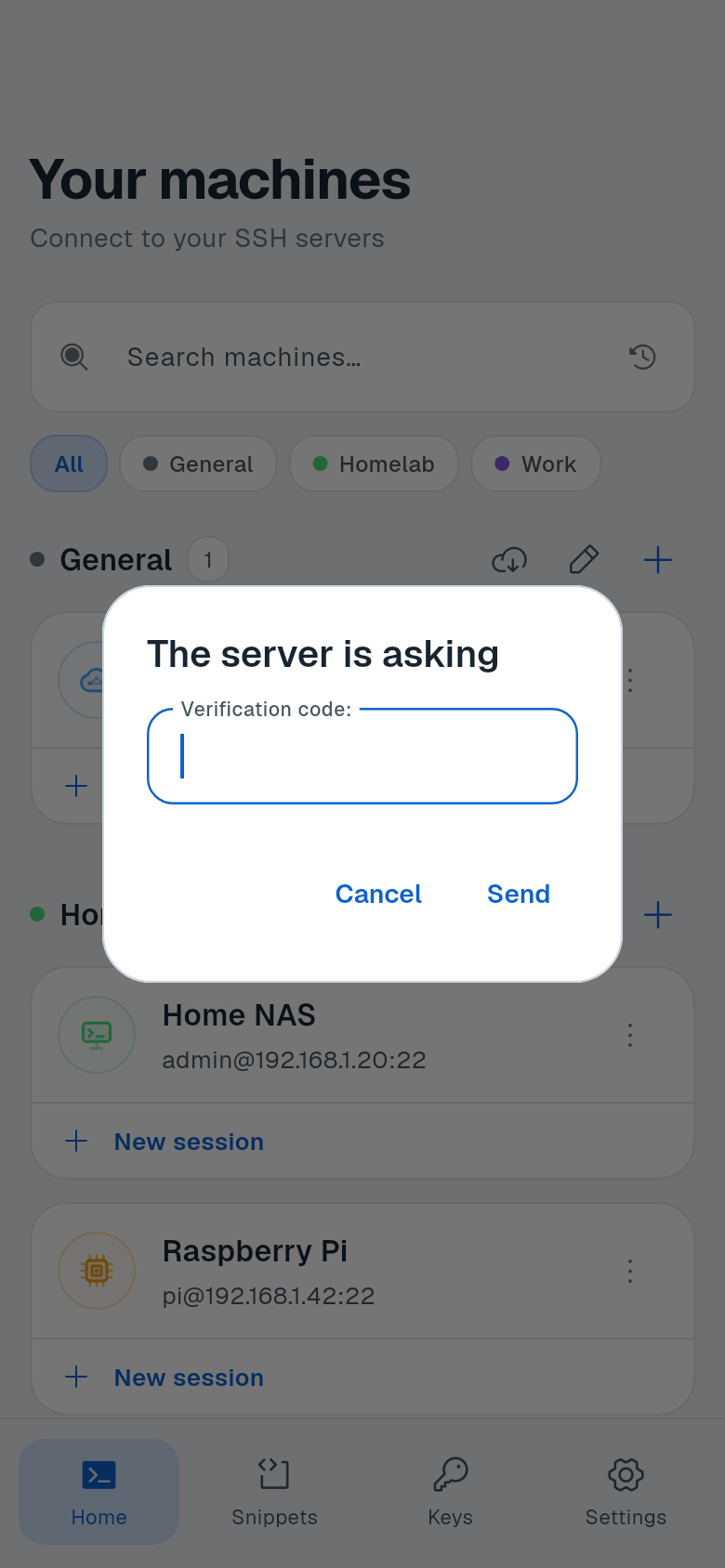
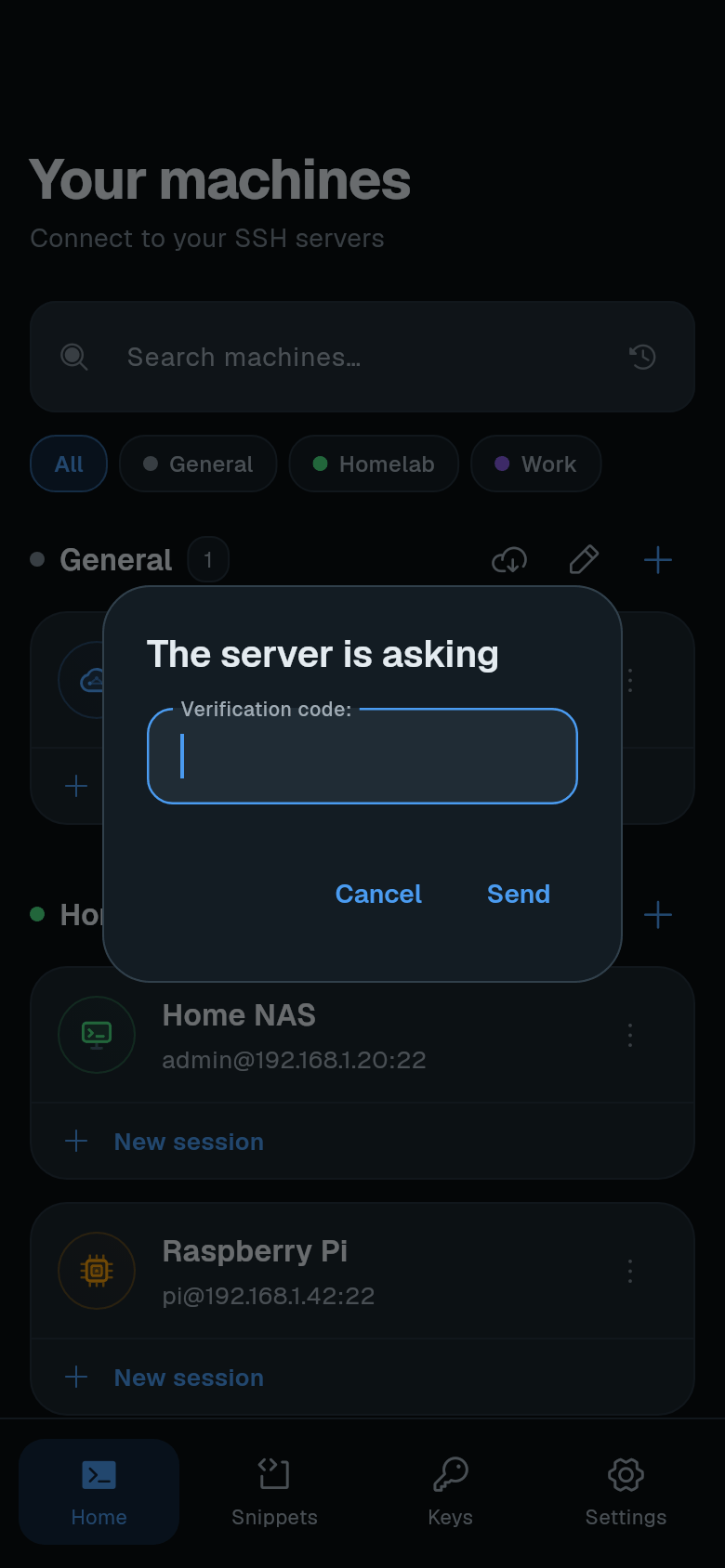
Termphin shows a dialog titled The server is asking.
-
Type your answer. Each question has one field. Secret answers are hidden as you type.
-
Tap Send. If the server asks more questions, answer them the same way.
Some VPN-based SSH servers send one round with no questions. Termphin answers it automatically.
Time spent answering does not count against the connection timeout. If a code is rejected, see Troubleshooting.
Set up TOTP on a Linux server
Optional. These steps are for Ubuntu or Debian. They use the Google Authenticator PAM module to ask for a one-time code from an authenticator app at sign-in. If you are new to keys, read Security basics first.
-
Install the PAM module.
sudo apt install libpam-google-authenticator -
Create a secret for the user. Run it as the user who signs in. Scan the QR code with an authenticator app.
google-authenticator -
Enable PAM for the SSH service. Add this line to
/etc/pam.d/sshd:auth required pam_google_authenticator.so -
Turn on keyboard-interactive authentication. In
/etc/ssh/sshd_config:KbdInteractiveAuthentication yesTo require a key plus a code, add:
AuthenticationMethods publickey,keyboard-interactive -
Restart SSH.
sudo systemctl restart ssh