
Getting started
No server yet?
Where to get a machine to connect to - your own computer, a Raspberry Pi or a cloud server.
Termphin connects to machines you already run. It is not a terminal for the phone itself. Tap No server yet? on the empty machine list, or Not yet during setup, to see Where to get a server.
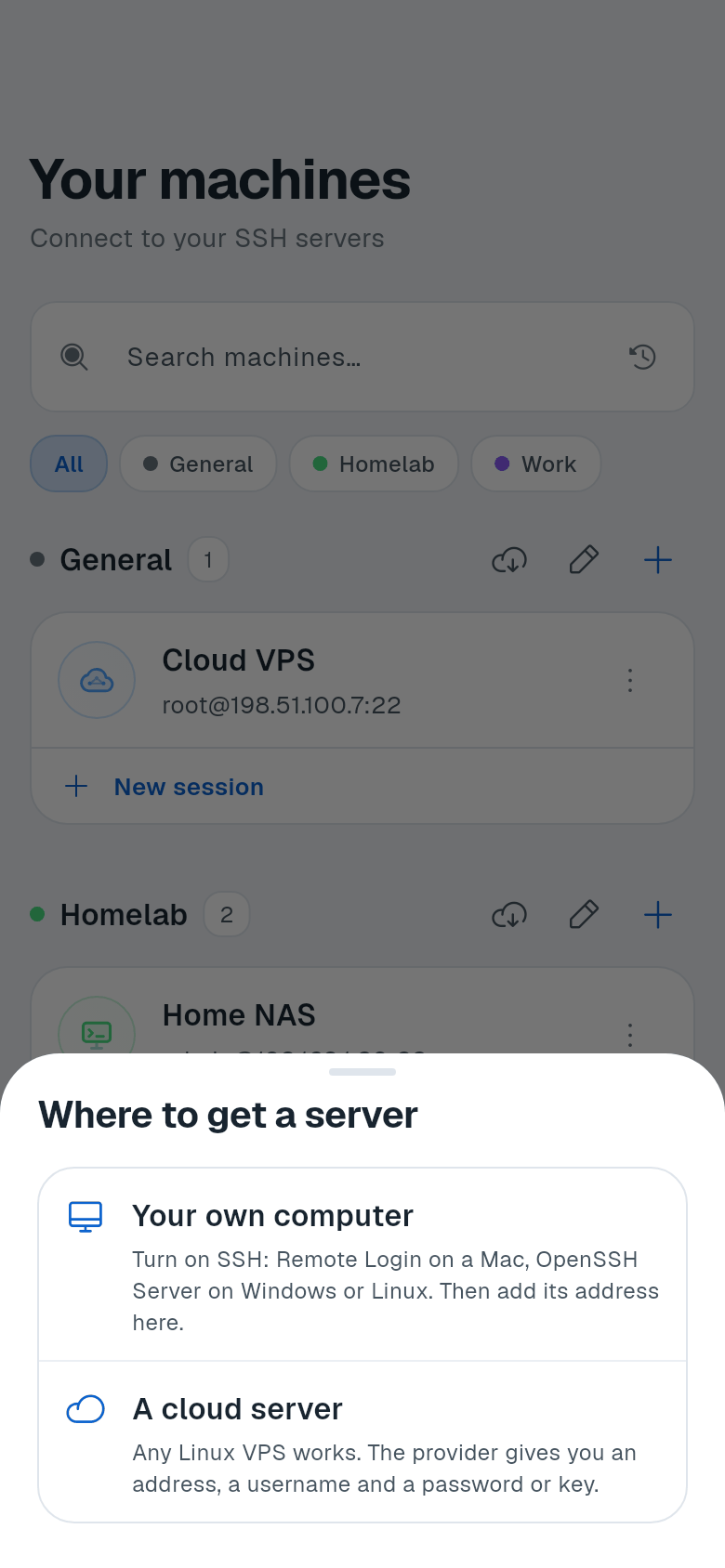
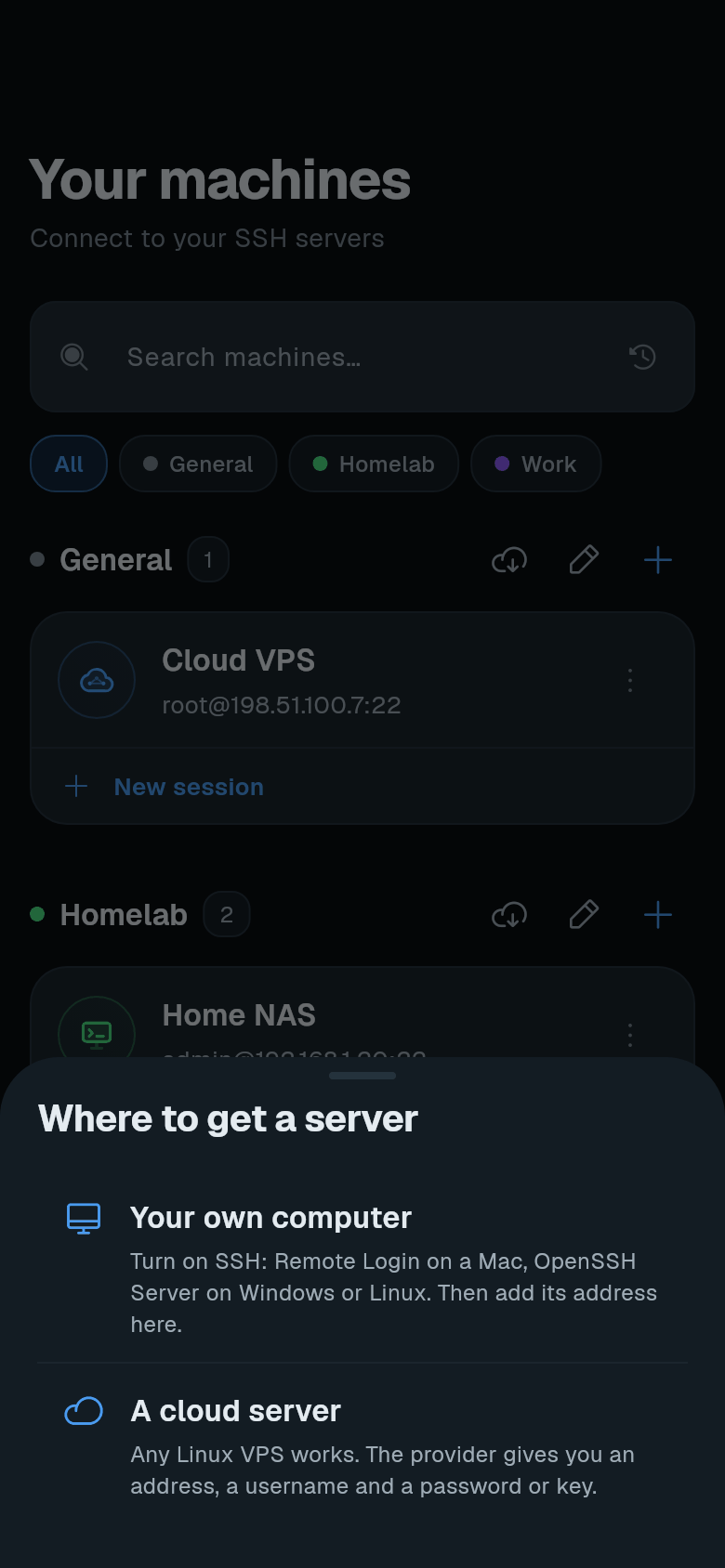
Your own computer
Turn on SSH on your computer. See Turn on SSH on a computer for the steps for macOS, Windows, and Linux.
Once SSH is on, add the computer’s address to Termphin. The phone must be on the same network, or reach the computer over a VPN such as Tailscale.
Raspberry Pi
Enable SSH when writing the SD card. In Raspberry Pi Imager, open OS Customisation, go to the Services tab, and switch on Enable SSH. Or later, on the Pi itself, run:
sudo raspi-configThen navigate to Interface Options > SSH and enable it.
After that, connect to the Pi’s IP address with the username you set.
A cloud server (VPS)
Any Linux VPS works. The provider gives you an IP address, a username (often root), and a password or lets you add an SSH key when you create it.
Examples of providers: Hetzner, DigitalOcean, Linode, Vultr, Oracle Cloud (free tier available).
Once you have the address, username, and password or key, go to Your first connection.