Machines
Host keys
How Termphin makes sure a server is the one you think it is, and what to do when its key changes.
Every server has a host key. Termphin checks it on every connection. There is no way to turn the check off.
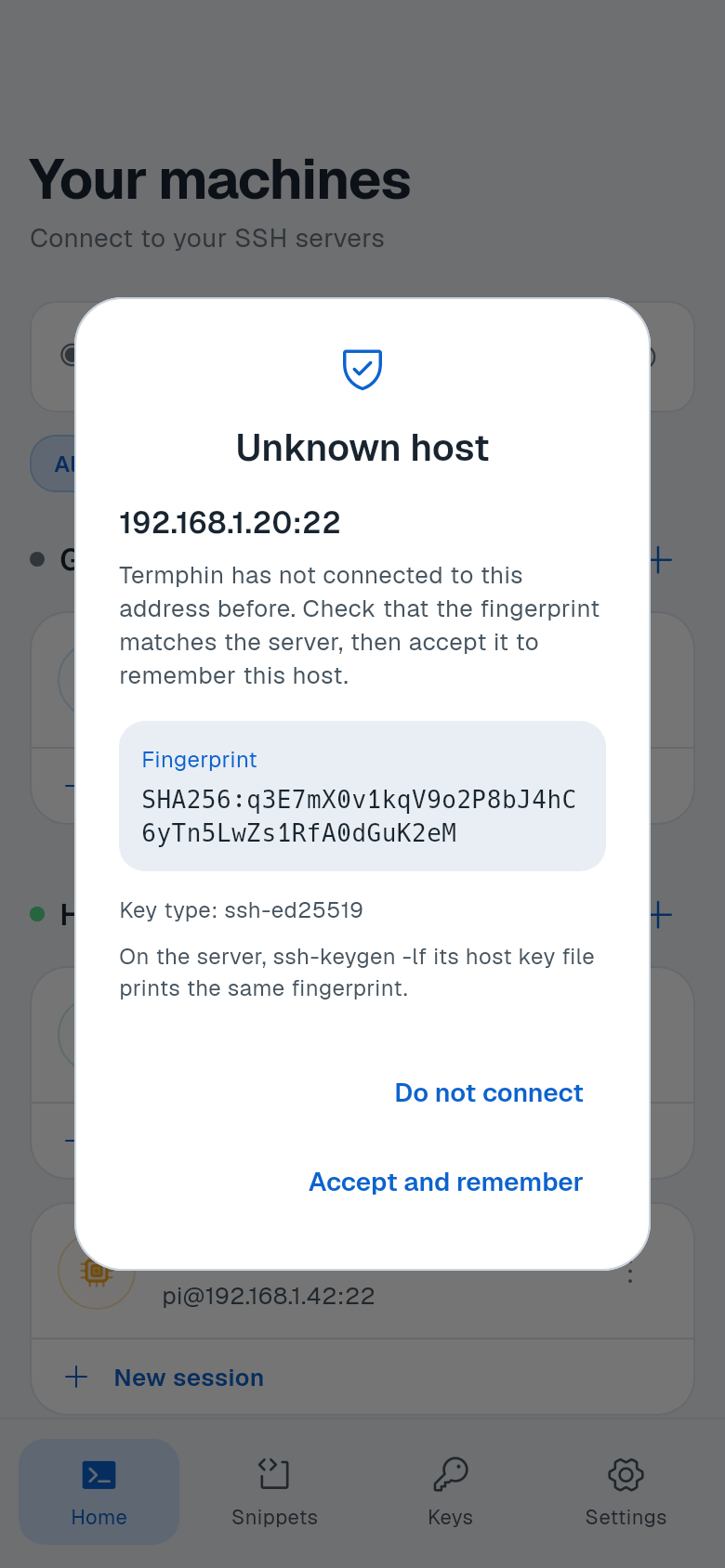
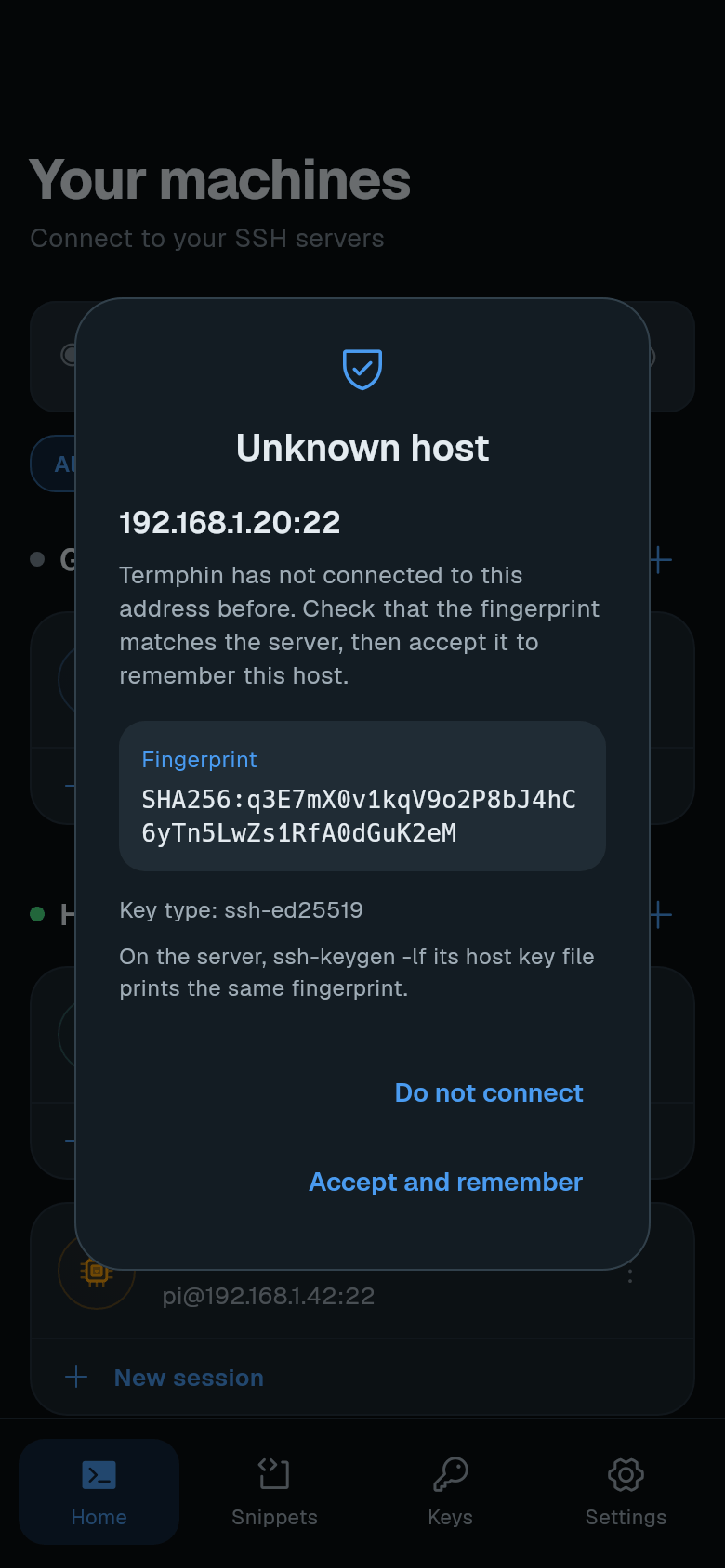
On the first connection to an address, Termphin shows the Unknown host prompt. It displays the address, the fingerprint (SHA256), and the key type. Check the fingerprint against the server before you accept it, if you can.
-
Verify the fingerprint on the server. Run this command on the server itself.
Linux
ssh-keygen -lf /etc/ssh/ssh_host_ed25519_key.pubFor an ECDSA key use
ssh_host_ecdsa_key.pub. For an RSA key usessh_host_rsa_key.pub.macOS
ssh-keygen -lf /etc/ssh/ssh_host_ed25519_key.pubFor an ECDSA key use
ssh_host_ecdsa_key.pub. For an RSA key usessh_host_rsa_key.pub.Windows
ssh-keygen -lf C:\ProgramData\ssh\ssh_host_ed25519_key.pubFor an ECDSA key use
ssh_host_ecdsa_key.pub. For an RSA key usessh_host_rsa_key.pub.The output must show the same SHA256 value that Termphin displays.
-
Accept the host key. If the fingerprints match, tap Accept and remember. Termphin pins the key. Future connections to the same address and port will use this pinned key.
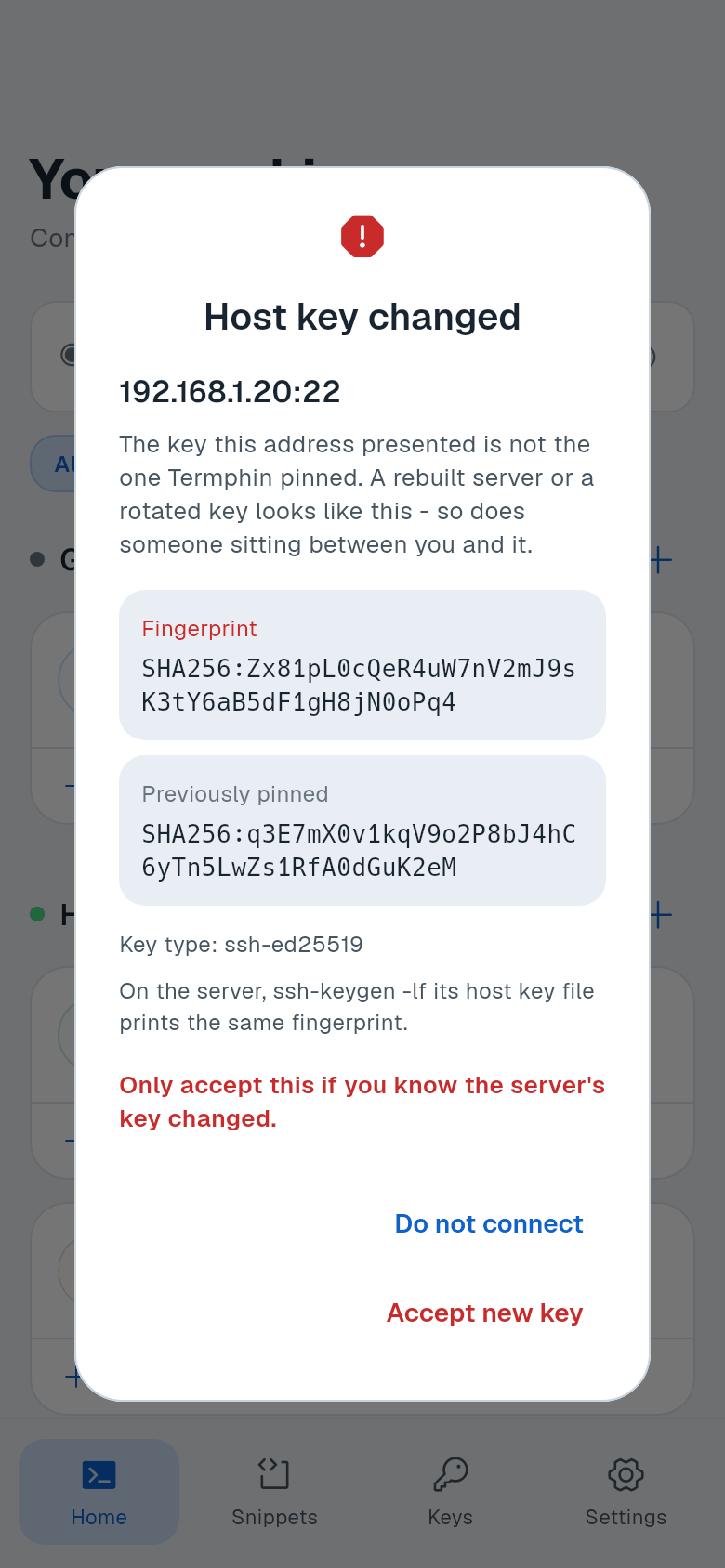
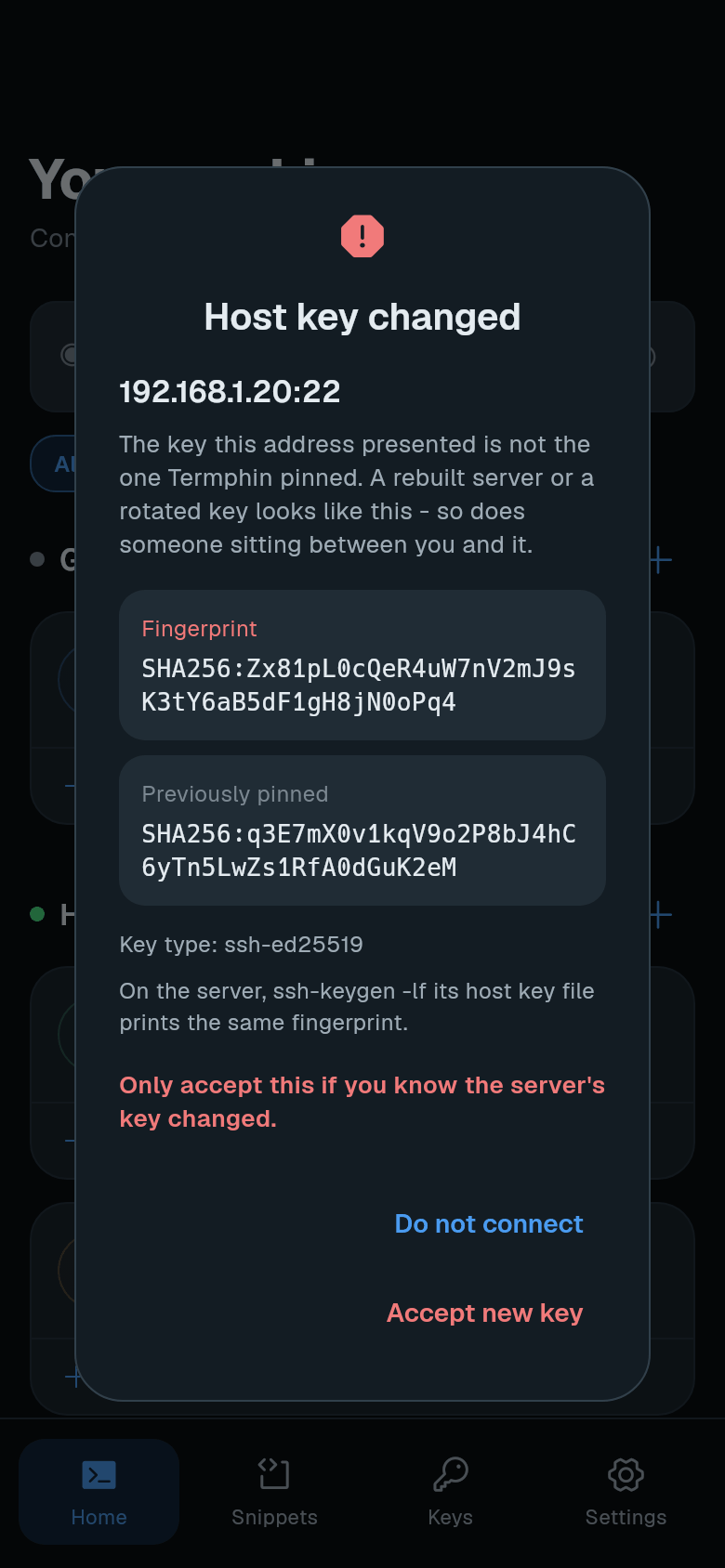
If the key changes later, Termphin shows the Host key changed prompt. It displays the new fingerprint and the previously pinned one. This can happen after a server rebuild or key rotation, but also if someone is intercepting the connection.
-
Verify the new fingerprint on the server. Run the same
ssh-keygen -lfcommand as above. Confirm the new fingerprint matches. -
Accept or reject. Only tap Accept new key if you are sure the server’s key changed legitimately. If you tap Do not connect, the connection stops. Termphin shows: “You did not accept the server’s key. Nothing was sent.”
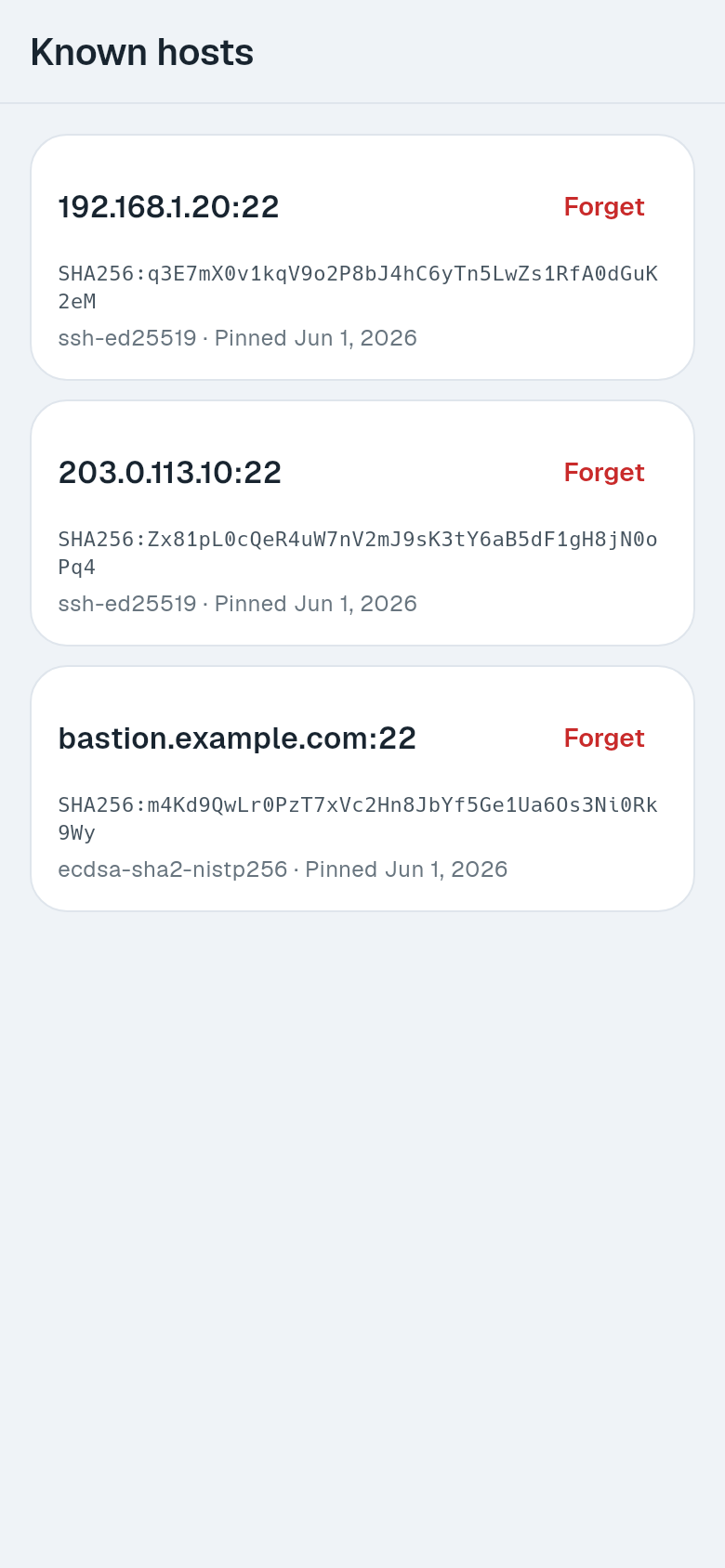
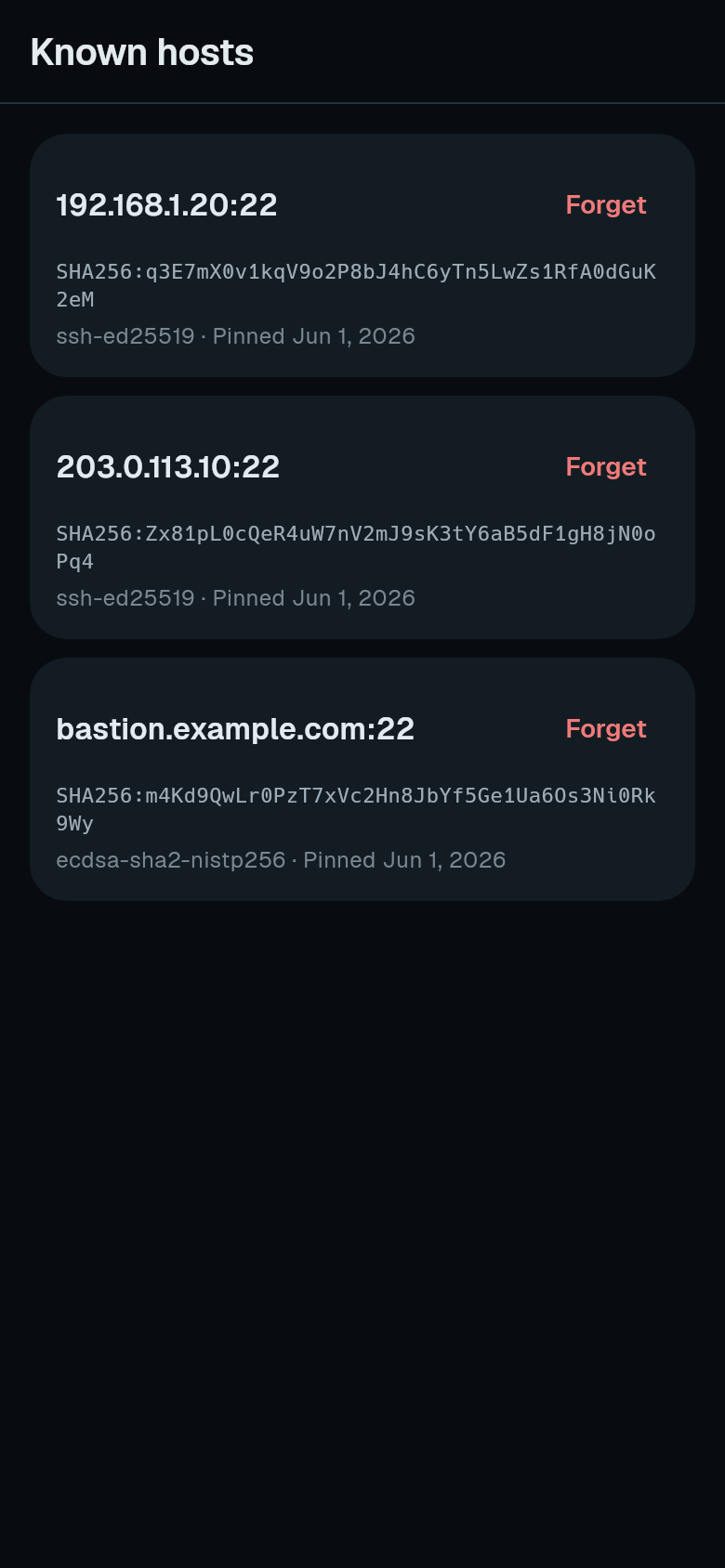
To remove a pinned host key (for example, after rebuilding a server), go to Settings > Security > Known hosts. Each entry shows the address, fingerprint, key type, and the date it was pinned. Tap Forget and confirm. The next connection to that address will treat it as unknown again.