
Machines
Groups
Sort machines, keys and snippets into coloured groups.
Groups organize your machines, SSH keys, and snippets. All three share the same set of groups. Every item belongs to exactly one group. General is the default group. It cannot be deleted or renamed, but you can change its colour.
Managing groups
-
Open Settings. Tap Settings in the bottom bar.
-
Open Groups. Under Organization, tap Groups.
-
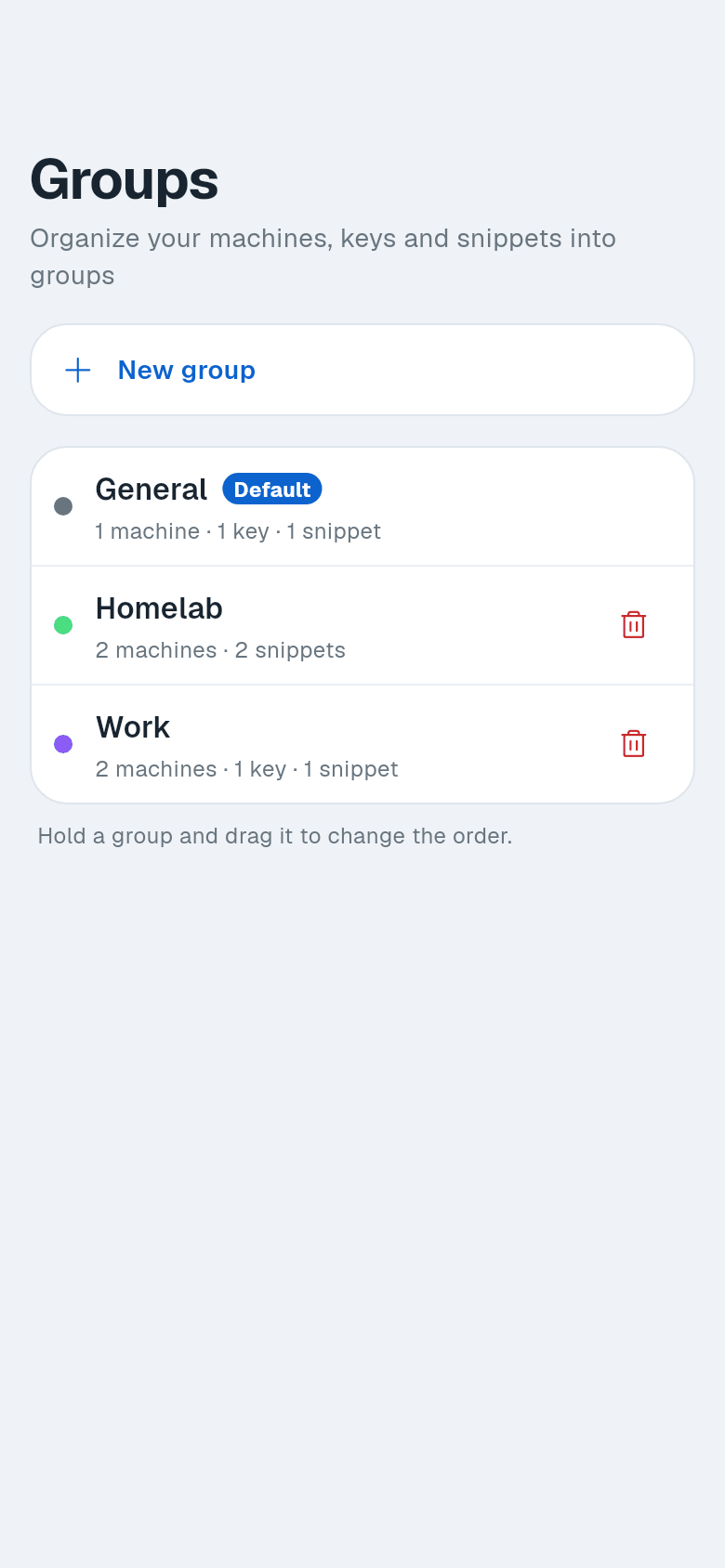
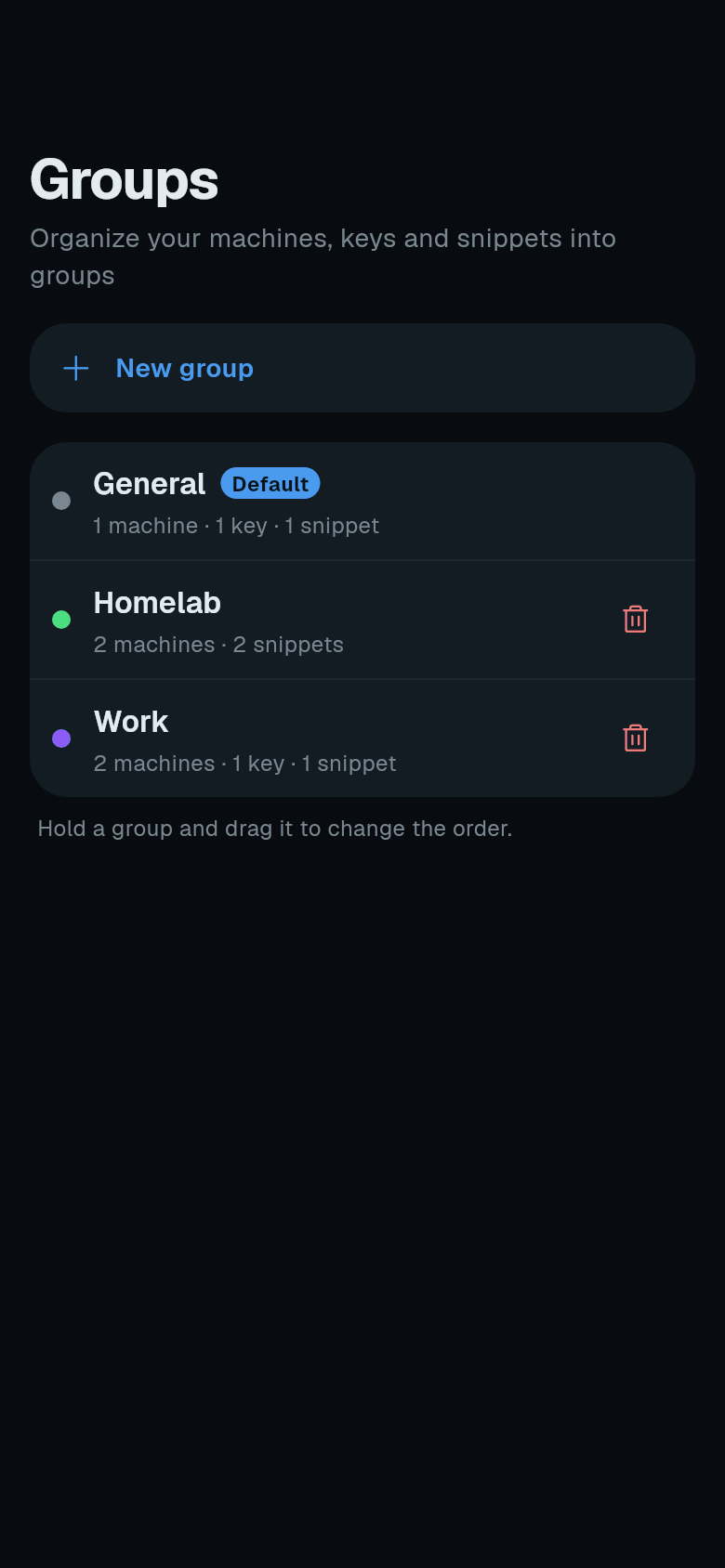
Create a group. Tap New group. Enter a Group name and pick a Colour. Tap Create group. You can also create a group from the Group dropdown in any machine, key, or snippet form.
-
Edit a group. Tap a group or the pencil icon next to a group header to edit its name or colour. General is the fallback group. It cannot be renamed.
-
Reorder groups. Hold a group and drag it to change the order. The order sets the section order in every list.
-
Delete a group. Tap the trash icon. Confirm the deletion. All items in the group move to General.
Using groups
-
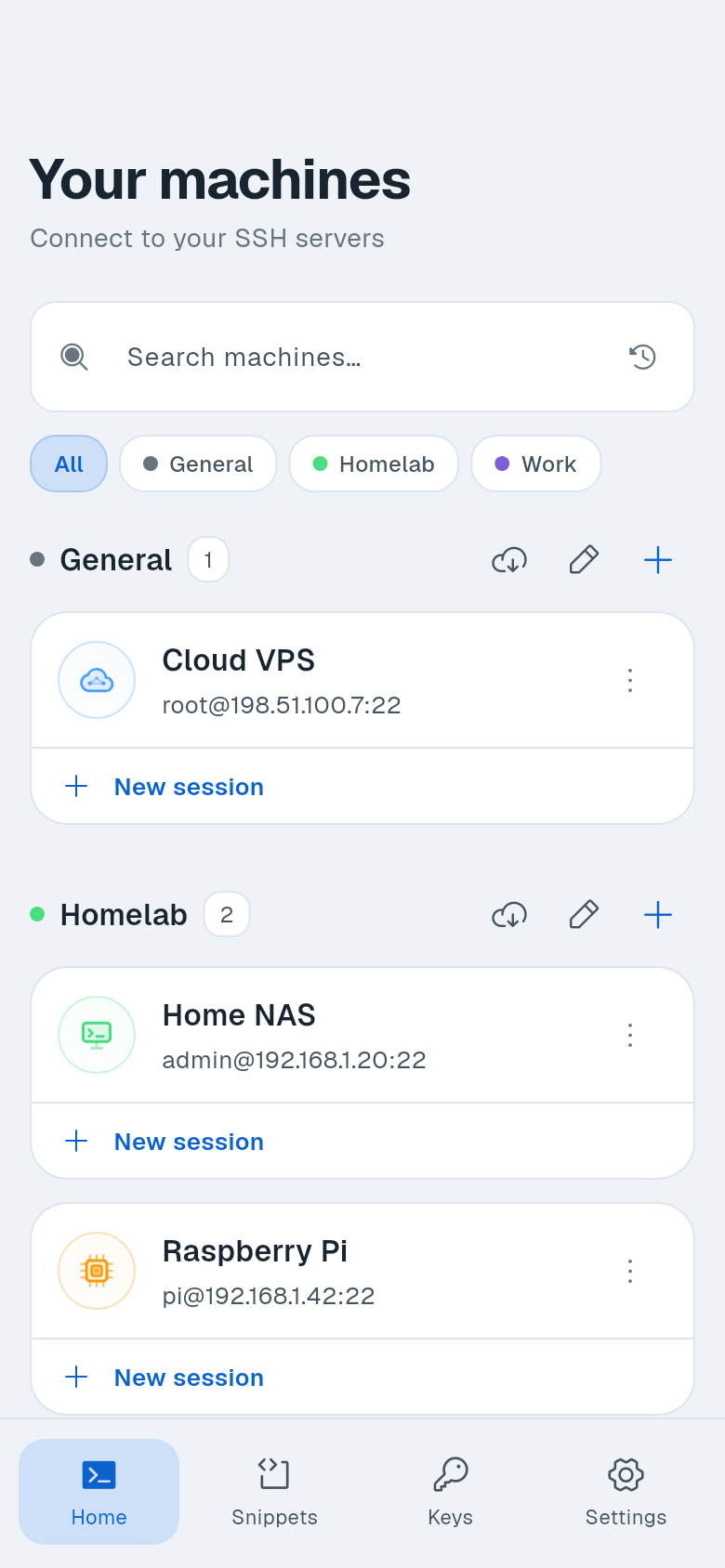
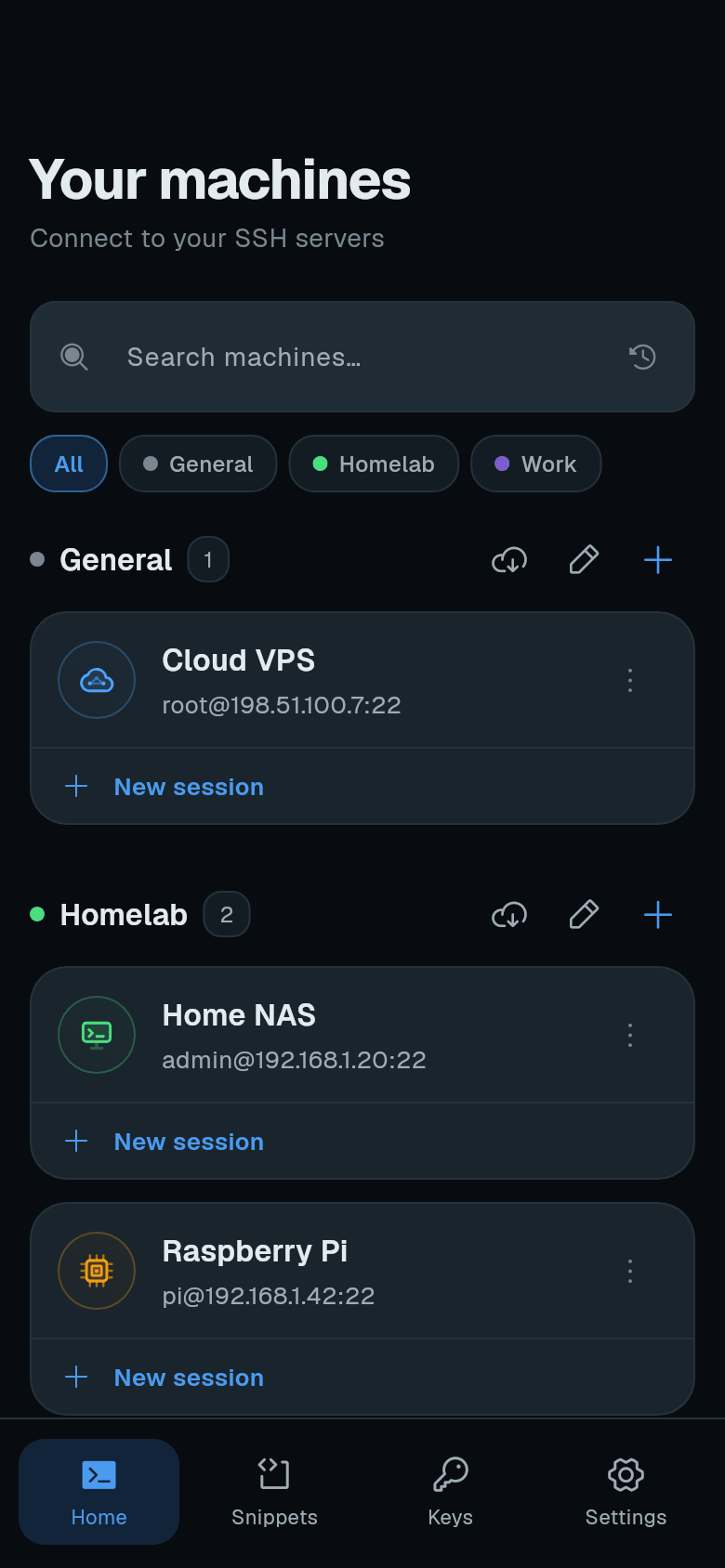
Filter a list. Open Machines, Keys, or Snippets. Tap a group chip to show only items in that group. Tap All to show everything.
-
Move items. Long-press an item to enter selection mode. Select multiple items. Tap Move to group. Choose the destination group. You can also change an item’s group by editing it and selecting a new group from the Group dropdown.